How-To
Draw a Playfield
How to draw a playfield in The Prey: tap the map to place boundary vertices, shape the GPS polygon, and save the arena before you play.
- Open The Prey app and navigate to Playfields.
- Tap New Playfield. The map opens centered on your current GPS position.
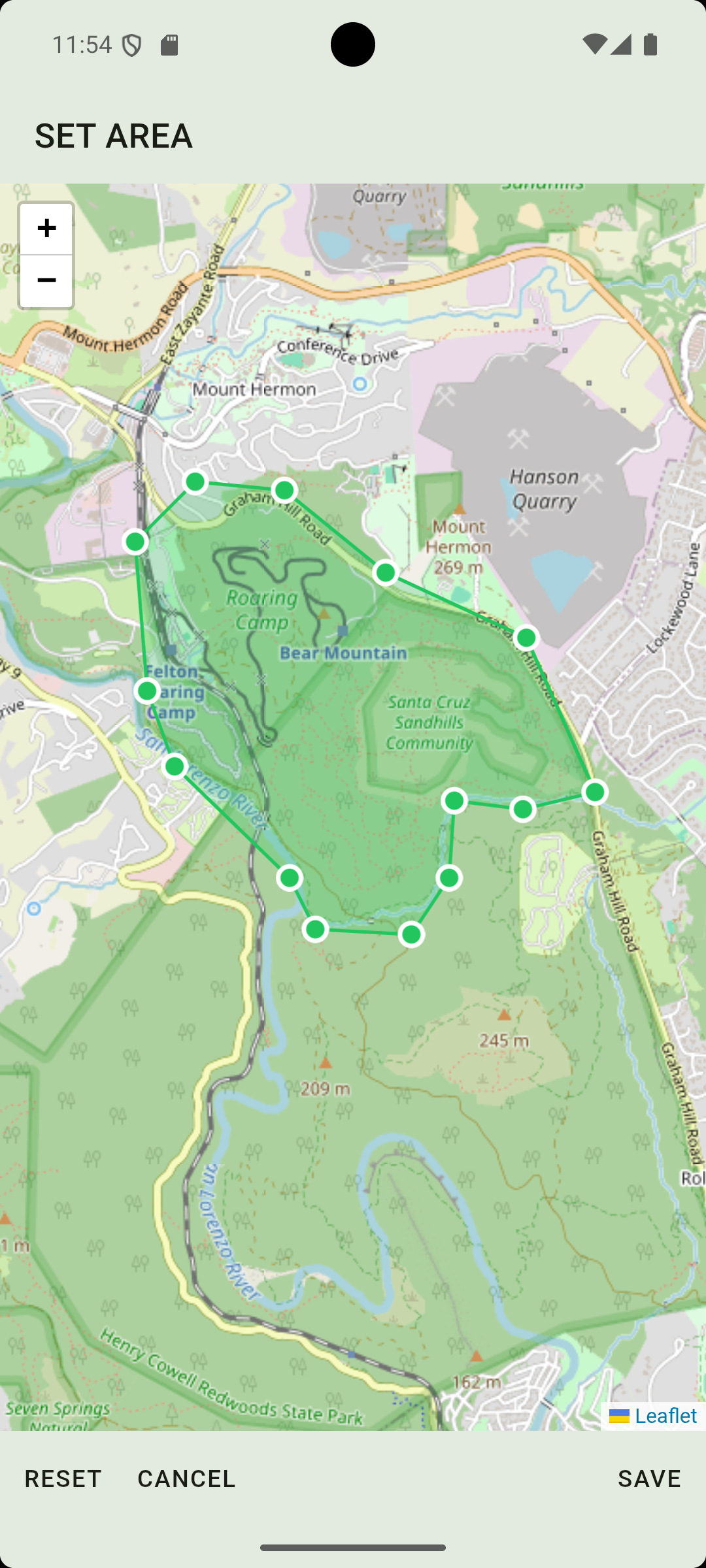
- Tap the map to place your first vertex. A pin appears.
- Continue tapping to place each corner of your boundary polygon. Place at least three vertices.
- Use pinch to zoom in and out for precision. Use drag on any vertex to reposition it.
- To remove a vertex, tap it to select it, then tap the trash button. To add another vertex, tap the map again.
- When the shape looks correct, tap Confirm Polygon.
- Enter a name for the playfield and tap Save.
- The playfield is now available to select when creating a new game.