How-To
Create a Game
Step-by-step: create a game in The Prey. Pick a playfield, share the join code, choose the Hunter, and start the head start.
- Open The Prey app and tap Create Game.
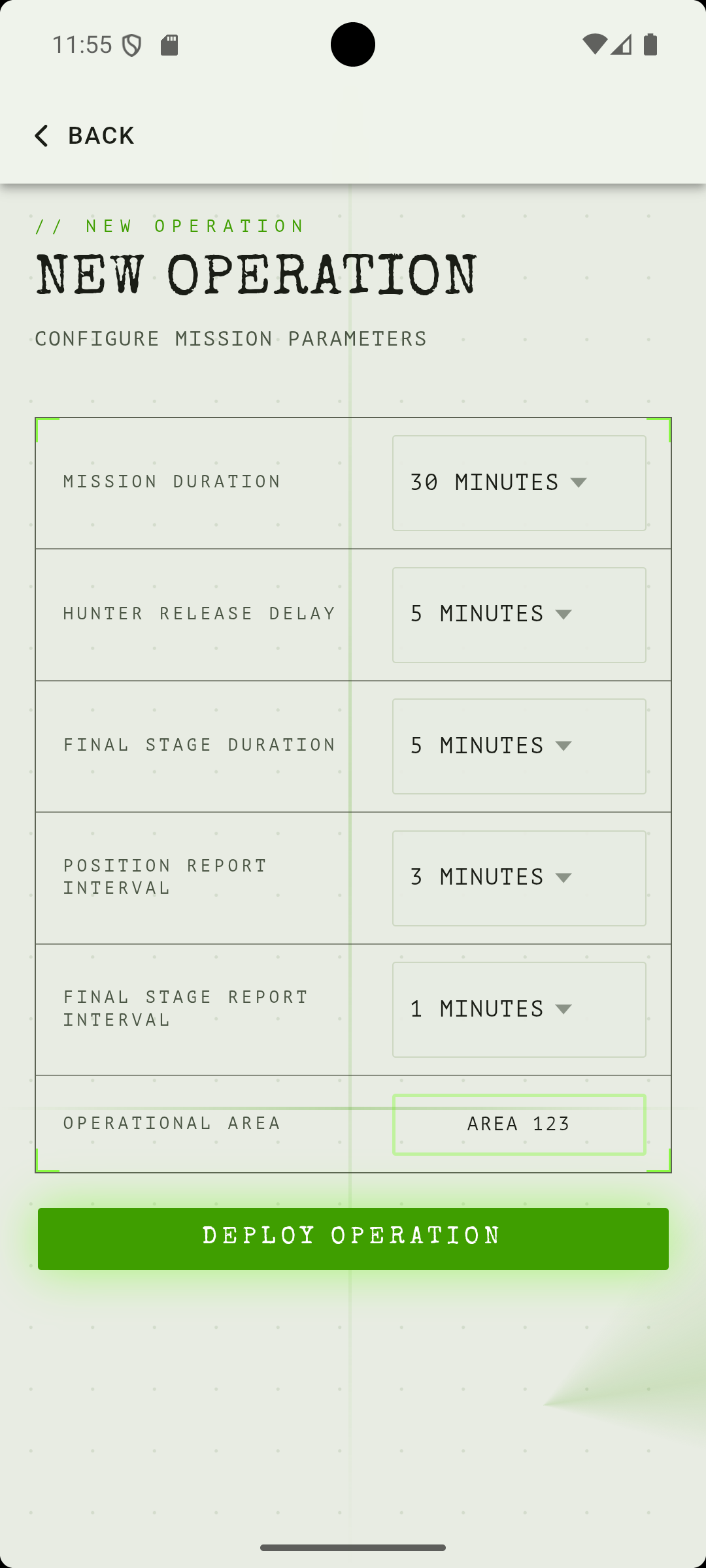
- Select a saved playfield or draw a new one. The playfield defines the game boundary.
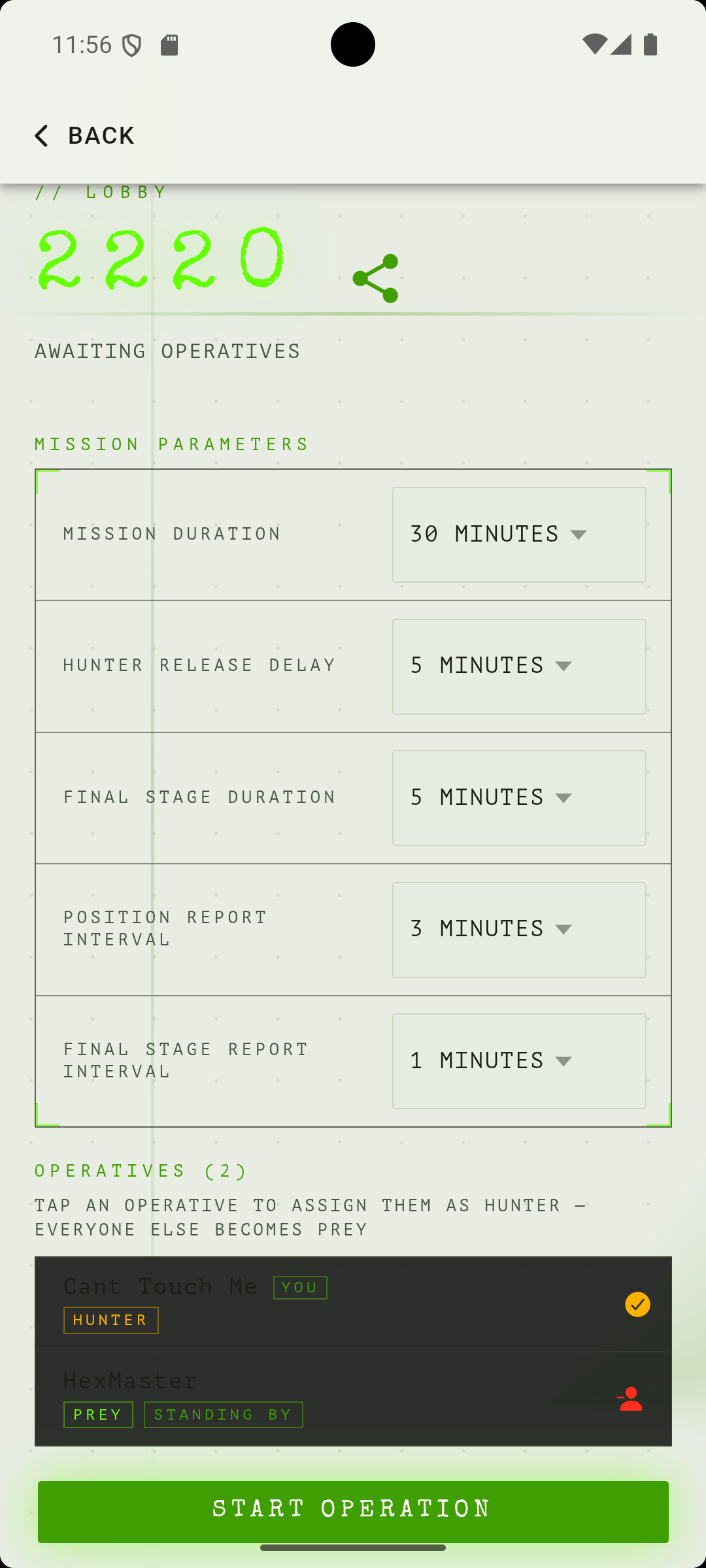
- The app generates a join code. Share it with all participants before proceeding.
- Wait for players to join. They appear in the lobby list as they connect.
- Tap one player to make them the Hunter. Everyone else is automatically Prey. There is only ever one Hunter.
- Make yourself the Hunter, or leave yourself as Prey, if you are playing.
- Confirm all players are ready.
- Tap Start Game. The head start begins. Prey scatter. The Hunter waits.